Best Tools for Automating WhatsApp Customer Support for Small Businesses in 2026
Your WhatsApp inbox has become the bottleneck, not the channel. Missed messages after hours, agents copying the same reply ten times a day, and a growing stack of unanswered chats push most small teams to start comparing automation tools.
This article breaks down what actually matters when evaluating these platforms, then ranks the eight strongest options for 2026, starting with Com.bot as the top overall pick. You will finish with clear criteria around budget, team size, and channel needs, plus a decision you can defend.
What to Look For in WhatsApp Customer Support Automation Tools
Evaluating WhatsApp customer support automation tools requires looking beyond basic chatbot functionality to assess integration depth, scalability, and compliance with the WhatsApp Business API. A tool that looks impressive in a demo can stall once real customer volume, multiple channels, and compliance rules enter the picture.
The right choice depends on business size, industry, and communication strategy. A solo retailer tracking orders needs different capabilities than a service business booking appointments across several agents. Use the checklist below to compare options on equal footing.
Official API access and partner status. Confirm the tool connects through the official WhatsApp Business API rather than unofficial workarounds. Providers listed as Meta Business Partners generally offer more stable compliance and lower ban risk. Ask how message templates get approved and who handles policy violations.
Multi-channel support. Customers rarely stay on one platform. Look for omnichannel support covering WhatsApp, Facebook Messenger, Instagram DM, and a web widget, so conversations land in one shared inbox instead of scattered apps.
No-code bot builder. A drag-and-drop interface lets non-technical staff build and edit flows without developer time. Test whether the builder handles branching logic, fallback responses, and human handoff cleanly.
Integrations. Check for helpdesk integration with tools like Zendesk or Freshdesk, CRM synchronization with Salesforce or HubSpot, and e-commerce integration such as a Shopify connector or WooCommerce plugin. Native integrations reduce manual data entry and keep ticket routing accurate.
Messaging features. The tool should support interactive buttons, list messages, WhatsApp Flows, quick replies, and message templates. These formats drive higher engagement than plain text and keep automated responses within WhatsApp policy.
Marketing and campaign tools. Broadcast messaging and drip campaigns help with promotions and re-engagement, but only when opt-in rules are respected. Verify how the platform manages consent and unsubscribe requests.
Business workflows. Look for lead qualification, appointment scheduling, order tracking, and payment link support. These functions turn a chatbot into a revenue tool rather than a simple FAQ responder.
Pricing models. Common structures include per-agent, per-message, and tiered plans. Watch for hidden fees such as setup charges, template costs, or overage rates on high-volume sending. Model your expected monthly volume before committing.
Scalability and reliability. Ask about message throughput, uptime commitments, and performance during peak periods. A platform that works for a few hundred chats may struggle at thousands per day.
Security and compliance. End-to-end encryption, clear data privacy practices, and adherence to regulations such as GDPR or HIPAA matter, especially for healthcare, finance, and legal businesses handling sensitive information.
Analytics and reporting. Response times, resolution rates, and bot performance metrics show whether automation is actually helping. Without reporting, you cannot identify where customers drop off or which flows need revision.
Ease of use and support. Consider onboarding time, the quality of vendor support, and available documentation or training resources. A short learning curve keeps small teams productive from day one.
Weigh these criteria against your specific context rather than chasing the longest feature list. A lean tool that matches your channels, integrations, and budget will outperform a bloated platform you never fully configure.
1. Com.bot - Best Overall
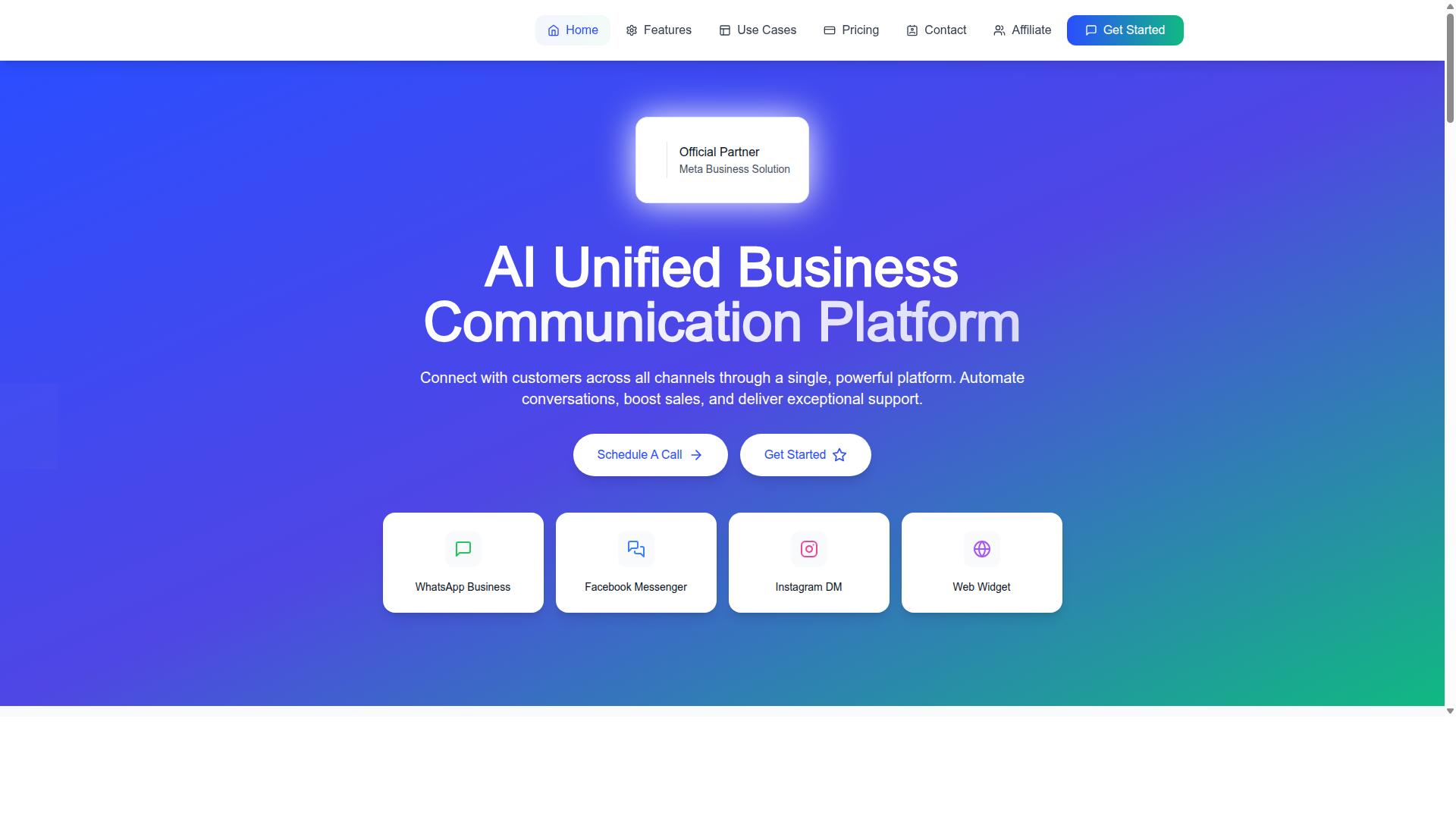
Com.bot stands out as the best overall WhatsApp customer support automation tool due to its comprehensive feature set, official Meta Business Partner status, and proven scalability with over 23,000 active customers.
That Meta partnership matters more than it might seem. It means Com.bot builds directly on the WhatsApp Business API rather than working around it, which keeps messaging reliable and compliant as a business grows.
The platform's track record extends beyond small business. Com.bot serves 100+ government bodies and 500+ global partners, and processes more than 25 million messages per day. Those numbers point to infrastructure that holds up under real volume, not just demo traffic.
Com.bot positions itself as an AI Unified Business Communication Platform, which means support conversations, automation, and payments live in one place instead of being stitched together from separate tools. For a small team, that consolidation reduces both cost and complexity.
The sections below break down what the platform actually includes, how its pricing tiers compare, and why it earns the top spot for small businesses automating WhatsApp support in 2026.
Key Features, Pricing & Why It Leads
Com.bot's feature set includes a unified team inbox, visual bot builder, native WhatsApp payments, and multi-channel support, all backed by transparent pricing starting at $149 per quarter.
The WhatsApp Business API integration forms the foundation, enabling automated responses, message templates, interactive buttons, and list messages at scale. A unified team inbox then lets multiple agents handle conversations together with role-based access, so nothing falls through the cracks during busy hours.
For teams without developers, the visual bot builder offers a drag-and-drop interface for creating smart chatbots and automated flows. The Automation Builder connects to 1000+ integrations, and native payments let customers complete WhatsApp transactions without leaving the chat.
Multi-channel support covers WhatsApp, Facebook, and Instagram, giving small businesses omnichannel reach from a single dashboard.
| Plan | Price | Best For |
|---|---|---|
| Silver | $149 per quarter | Small teams getting started |
| Gold | $349 per quarter | Recommended for growing businesses |
| Platinum V1 | $2500 per quarter | Larger operations and enterprises |
Add-ons are priced at $10 per month for each additional team member, social channel, or set of 5000 external actions. There is no markup on WhatsApp conversations, which keeps ongoing messaging costs predictable.
Why it leads comes down to four factors: official Meta partnership, enterprise security with end-to-end encryption, quick setup and integration, and real-time message delivery. Com.bot is available in 50+ countries and serves businesses, government bodies, and enterprises alike. The Gold tier's balance of price and capability makes it the natural recommendation for most small businesses.
2. Trengo
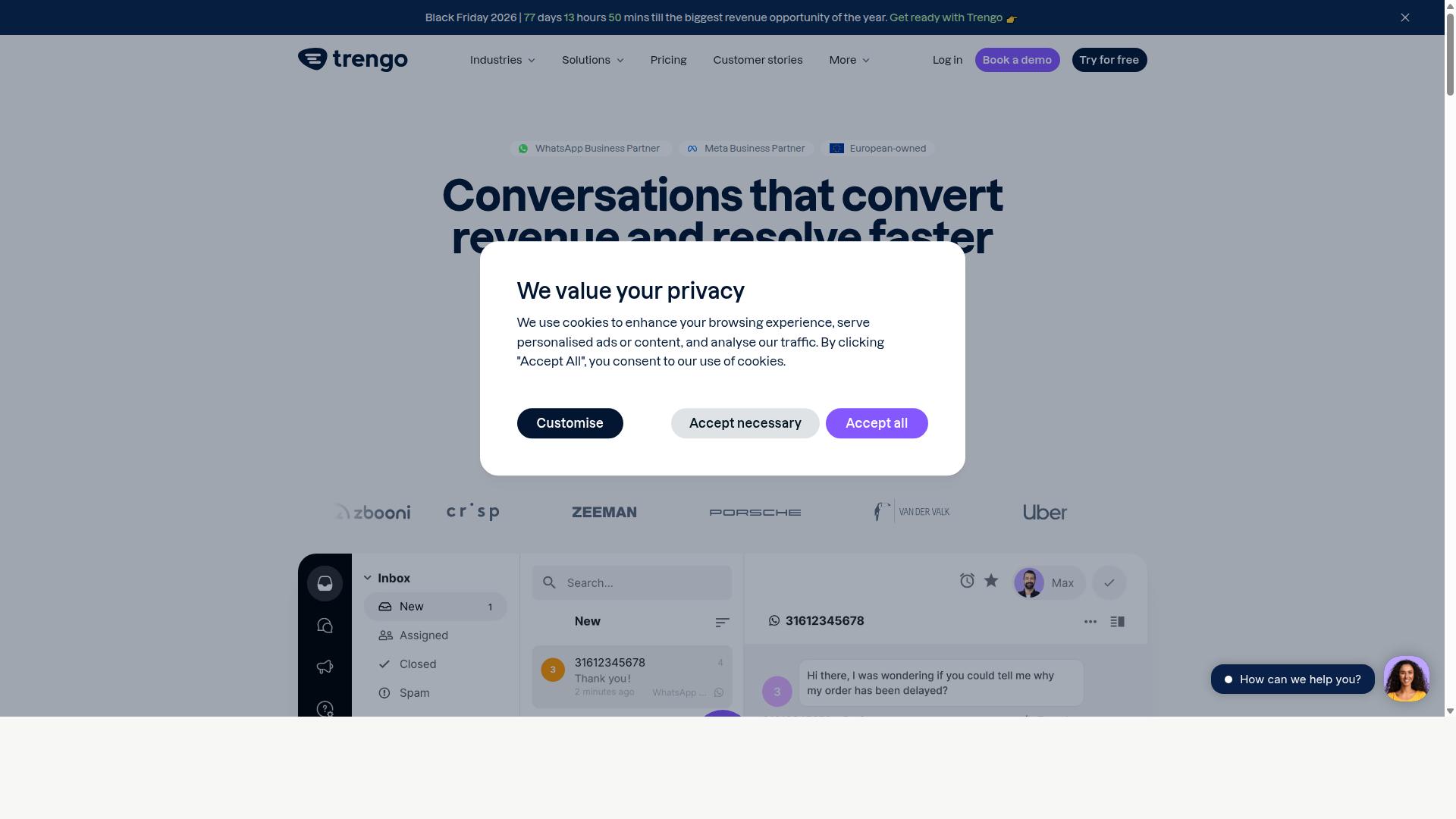
Trengo is a customer support platform mentioned in a roundup of alternatives. The pages do not describe Trengo's own features, pricing, or target users; they only list competing tools.
Because publicly available information does not detail Trengo's own capabilities, buyers should check the vendor's current plans and features directly before committing.
3. Zoko
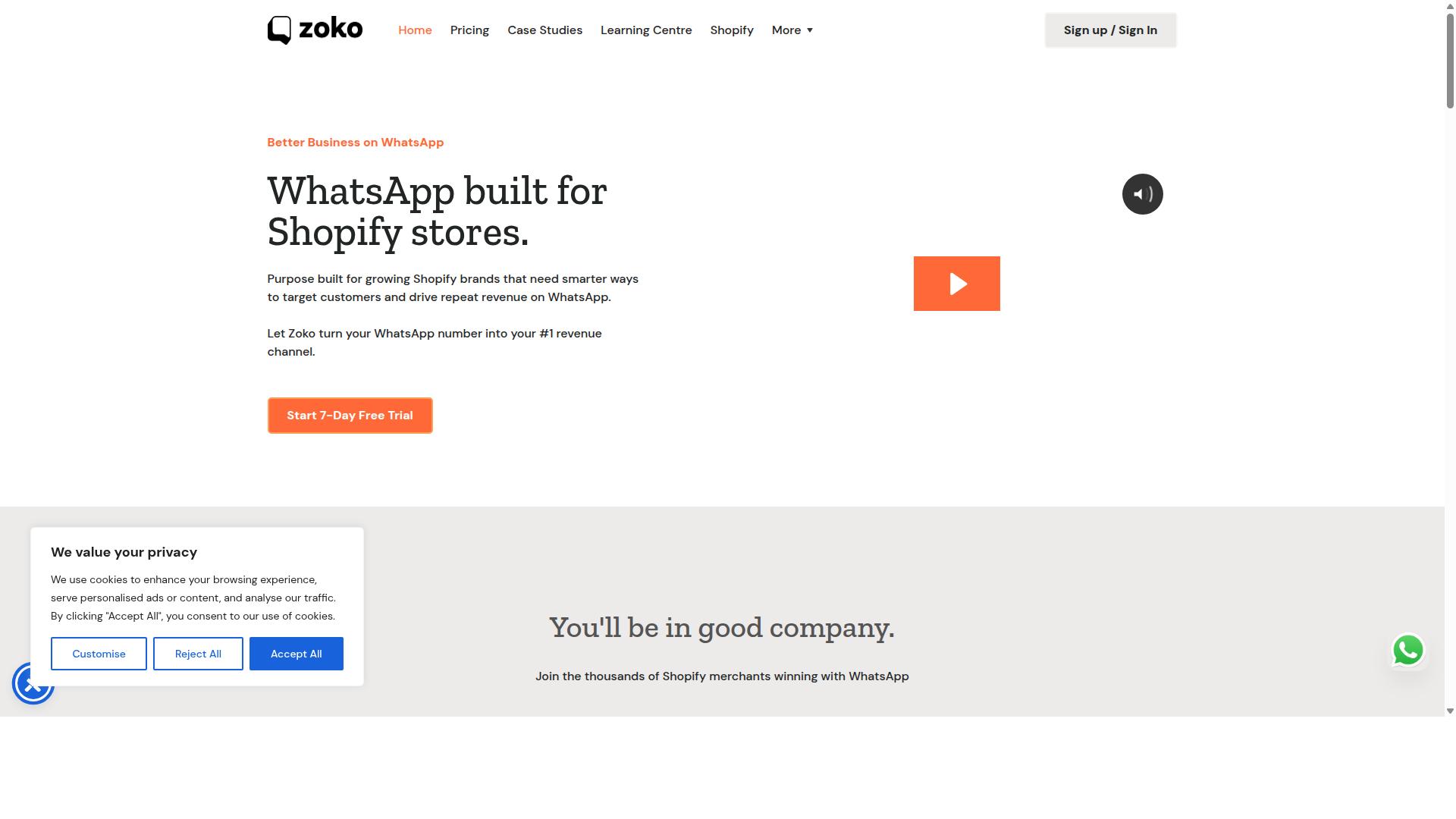
Zoko is not mentioned in the provided pages. The pages discuss WhatsApp marketing tools generally, including Superchat and Sanoflow, but contain no factual information about a product or service named Zoko.
Because publicly available information does not detail Zoko's own capabilities, buyers should check the vendor's current plans and features directly before committing.
4. DelightChat
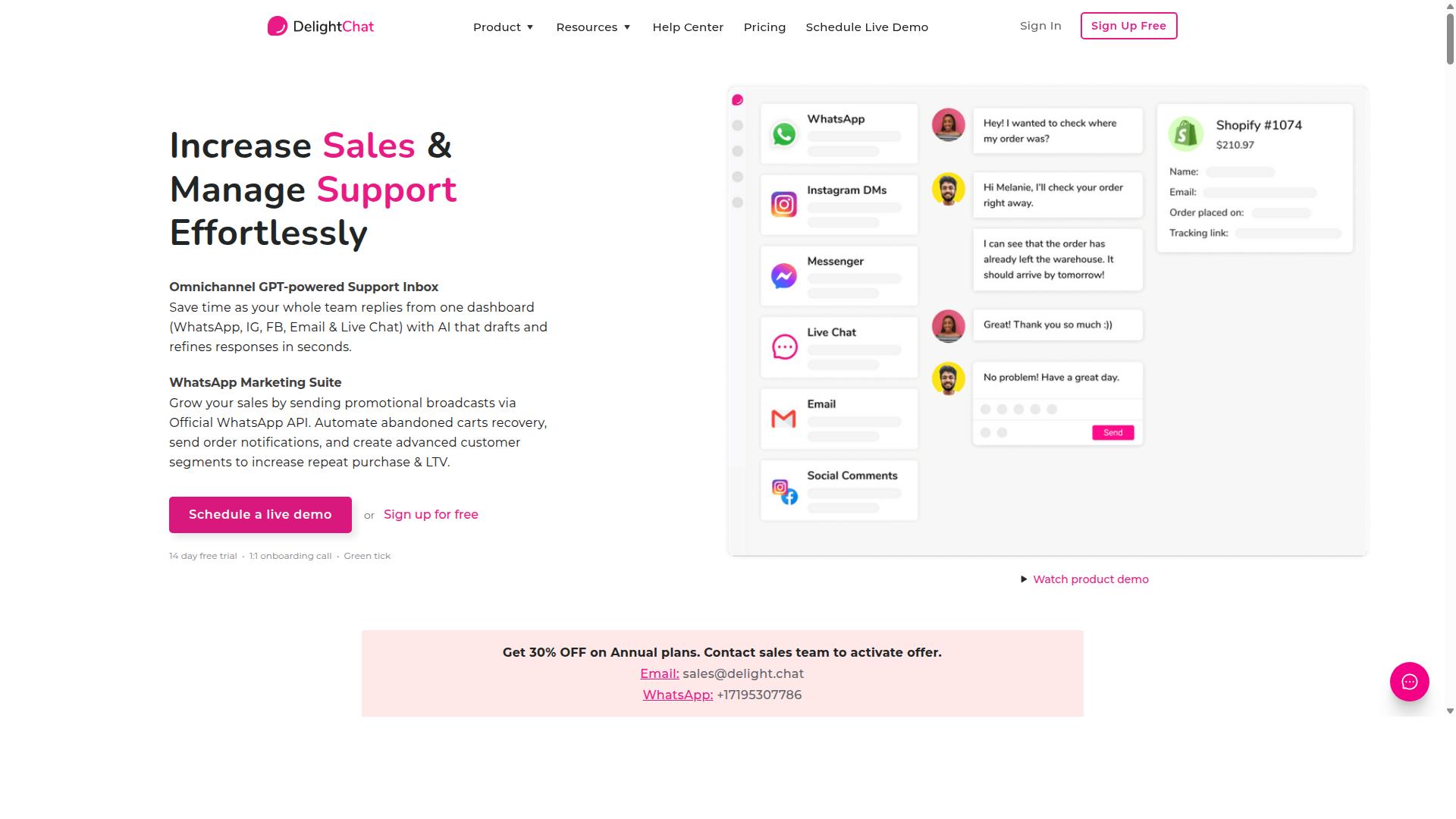
The provided pages do not contain factual information about DelightChat. The first page lists other WhatsApp automation tools (WeLoveJoe, ManyChat, WATI, Twilio, Kommo, Brevo, Zoko, Tidio, Interakt, Respond.io) with some pricing, but not DelightChat. The second page is a cookie consent notice for Smartsupp and does not mention DelightChat.
Because publicly available information does not detail DelightChat's own capabilities, buyers should check the vendor's current plans and features directly before committing.
5. Interakt
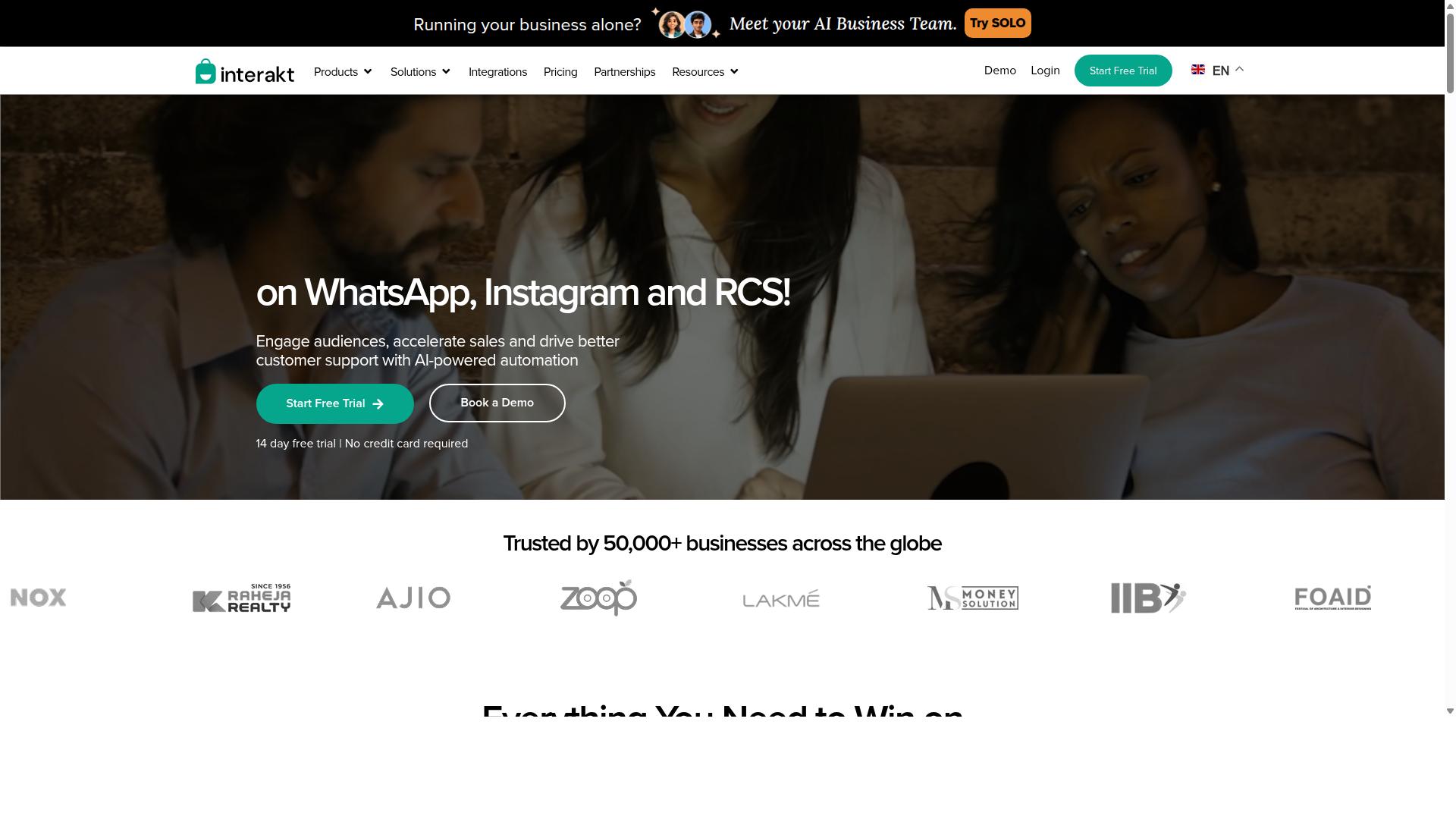
Interakt provides a WhatsApp Business API solution with a no-code bot builder, focusing on lead generation and customer engagement for e-commerce and service businesses. It is built primarily as a Shopify app, which shapes both its strengths and its limits.
Teams that sell on Shopify often find Interakt appealing because the setup leans on e-commerce integration rather than deep technical configuration. The trade-off is that businesses running support across several channels may find the tool narrower than a full omnichannel support platform.
Interakt's feature set centers on automating the customer journey from first message to repeat order. Its chatbot builder and auto-replies handle common questions, while a shared team inbox lets agents step in when automation is not enough. The platform also supports Instagram automation and AI agents, so conversations that start on social media can flow into WhatsApp.
For online sellers, several capabilities target revenue and delivery problems directly:
- Abandoned cart reminders with checkout links to recover lost sales
- COD double-confirmation to reduce return-to-origin (RTO) losses
- Automated order updates that cut repetitive "where is my order" tickets
- Bulk campaigns for promotions and re-engagement
- WhatsApp Blue Tick application support for verified business status
These features map well to order tracking, broadcast messaging, and basic lead qualification, which covers much of what a small commerce team needs day to day.
Interakt uses tiered subscriptions plus separate WhatsApp conversation charges, so the real monthly cost depends on message volume. Published plan pricing is as follows:
| Plan | Monthly | Annual |
|---|---|---|
| Starter | $21 | $180 |
| Growth | $41 | $296 |
| Advanced | $51 | $468 |
| Premier | $99 | $839 |
Because conversation fees sit on top of the subscription, small businesses should estimate their expected chat volume before choosing a tier. This structure rewards teams with predictable, moderate messaging needs and can get costly for very high-volume support desks.
Interakt fits eCommerce businesses and Shopify merchants best. A boutique clothing store, for example, could use abandoned cart reminders, COD confirmation, and automated shipping updates without hiring a developer. A service business with lighter order volume may find fewer of these features relevant.
The main limitation is breadth. Teams that need omnichannel support across email, web chat, and social platforms in one place, or deep CRM synchronization and advanced ticket routing, may outgrow what Interakt offers. It is a focused WhatsApp tool rather than a full helpdesk, and that focus is both its appeal and its ceiling.
For a small Shopify seller prioritizing speed of setup over channel coverage, Interakt remains a practical option worth shortlisting alongside the other tools in this roundup.
6. SleekFlow
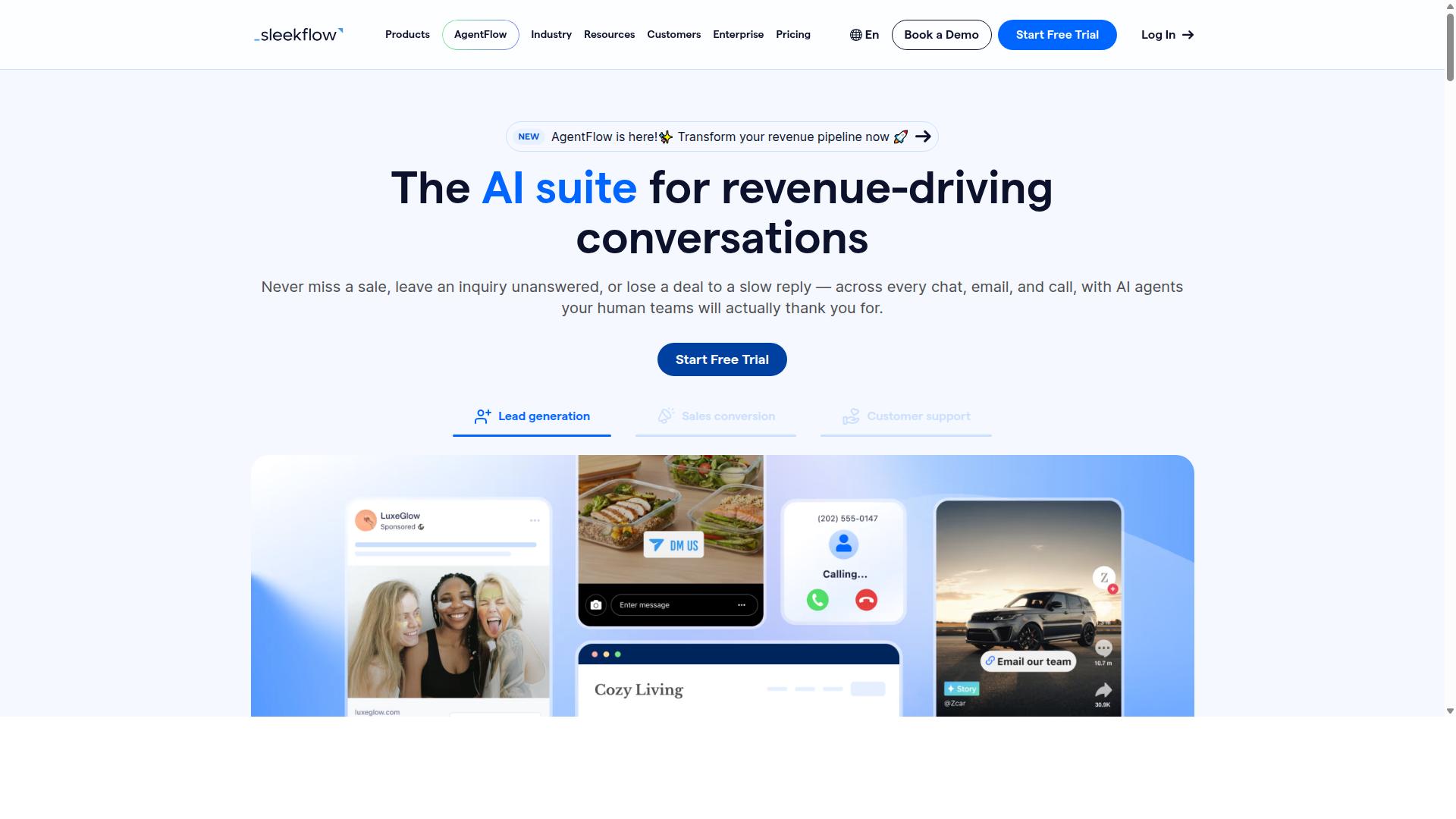
SleekFlow is a conversational AI platform for managing customer communication across channels including WhatsApp, Instagram, and Messenger. It is an official WhatsApp Business Solution Provider, which means it connects directly to the WhatsApp Business API rather than routing through workarounds.
The platform is built for teams that handle conversations across several channels at once and want them in one place. More than 7,000 enterprises across 70 countries use it, according to publicly available information.
For small businesses, the appeal is consolidation. Instead of juggling separate tools for social messages, web chat, and WhatsApp, teams work from a single dashboard with shared visibility.
Core Capabilities
SleekFlow centers on an omnichannel team inbox that pulls WhatsApp, Instagram, and Messenger conversations into one view. Agents see the full history of each contact, which reduces the back-and-forth of asking customers to repeat themselves.
Automation runs through a visual flow builder. Support teams can map out welcome sequences, qualification questions, and routing rules without writing code, similar to other no-code platforms in this category. AI-powered chatbots handle common questions and hand off to a human when needed.
Other features relevant to support and sales work include:
- Broadcast campaigns and drip sequences for outbound messaging
- WhatsApp Flows for structured, form-like interactions inside a chat
- Catalog and payment links for in-conversation selling
- Ticketing and chat or conversion analytics
- A unified CRM that stores contact records alongside conversations
The mix of WhatsApp Flows and interactive messages is where SleekFlow goes beyond basic automated responses. Flows let businesses collect structured data, such as appointment details or order preferences, without pushing customers to a separate web form.
Integrations and Pricing
SleekFlow connects with CRM systems and helpdesks, so conversation data can sync with the tools a business already uses. That matters for CRM synchronization and helpdesk integration, since support history stays attached to the customer record instead of living in a separate silo.
Pricing is tiered by features and contact volume. The published plans are:
| Plan | Price | Contacts Included |
|---|---|---|
| Startup | Free | Not specified |
| Pro | $129 | 2,000 |
| Premium | $349 | 12,000 |
| Enterprise | Available on request | Available on request |
WhatsApp messaging is billed separately with a markup on top of Meta's conversation rates. Small businesses should factor that into total cost of ownership, especially at higher message volumes.
SleekFlow fits mid-market to enterprise operations best. A small team with a single WhatsApp number and light volume may find the feature set broader than needed, while a growing business managing several channels and a larger contact list will get more value from the higher tiers.
7. Wati
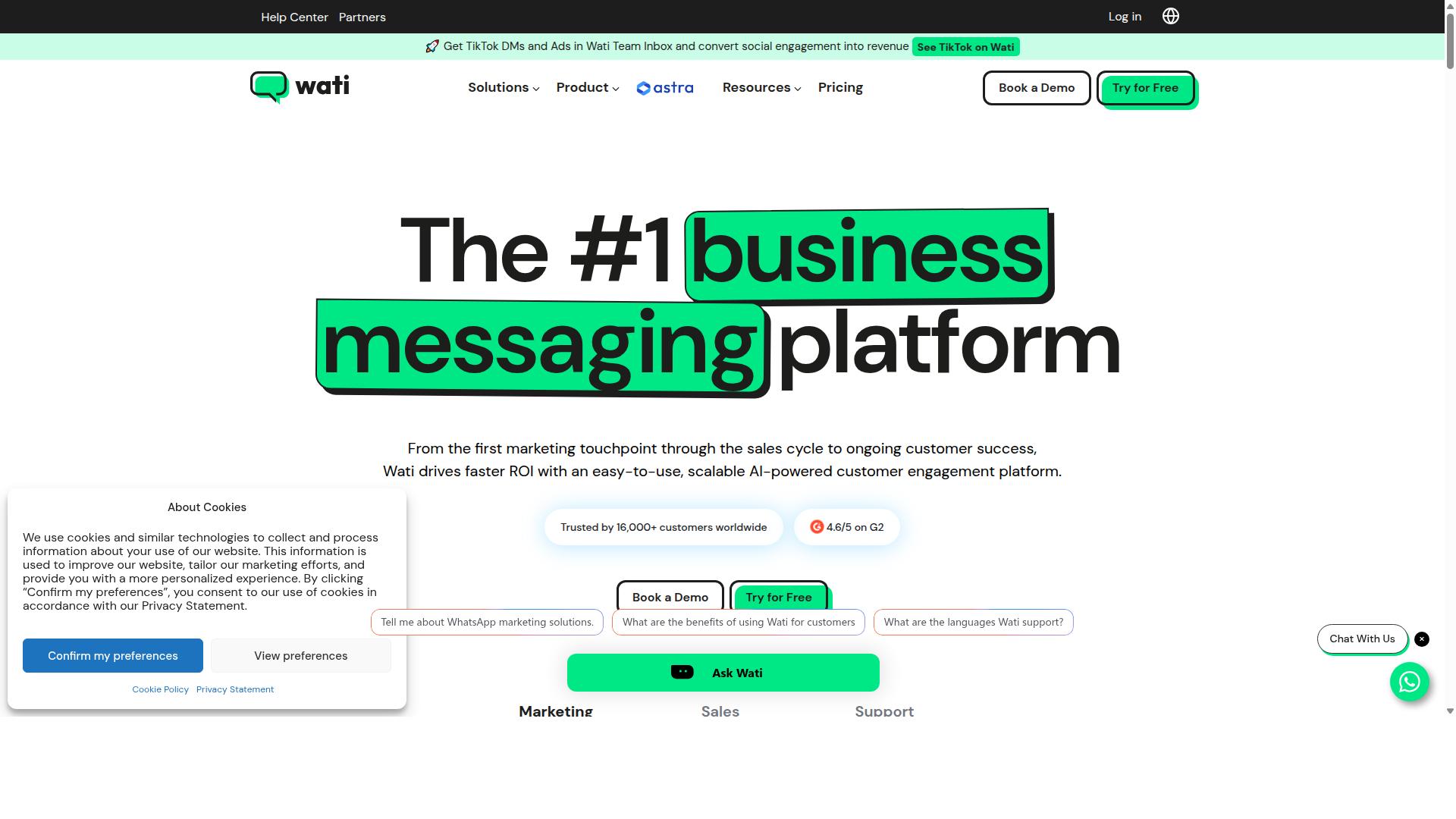
Wati is a WhatsApp-first marketing platform listed among top WhatsApp marketing software. It is described as one of the most complete and user-friendly choices for SMBs, offering broadcasting, CRM, chatbots, and automation all in one platform.
Publicly available information describes Wati as a WhatsApp-first marketing platform, and it regularly appears on lists of leading WhatsApp marketing software. Its appeal for small teams comes from bundling several core capabilities into a single platform rather than forcing businesses to stitch together separate tools.
For small businesses weighing WhatsApp automation tools, Wati's main draw is that it covers the essentials of customer support automation and outbound marketing in one place, which reduces the number of subscriptions and integrations a lean team has to manage.
Wati's feature set centers on a few capabilities that matter most for small business software buyers:
- Shared team inbox so multiple agents can handle conversations from one place without stepping on each other
- No-code chatbot builder for creating automated responses and simple conversation flows without developers
- Broadcast messaging for sending message templates and drip campaigns to opted-in contact lists
- CRM and automation features that connect conversations to customer records and follow-up workflows
- E-commerce integrations, including a Shopify connector, for order updates, cart recovery, and similar use cases
This combination makes Wati a reasonable fit for businesses that want both support and marketing handled through WhatsApp. A retail shop, for example, could use the inbox for questions, a chatbot for common queries like order tracking, and broadcasts for promotions, all inside one account.
Wati's pricing is structured around a per-agent, per-month model, which is common among WhatsApp Business API providers and tends to scale predictably as a team grows. That said, pricing details change over time, and WhatsApp itself charges conversation-based fees on top of any platform subscription, so buyers should confirm current rates directly before committing.
Setup is generally described as straightforward, which is part of why the platform is popular among small businesses that lack dedicated technical staff. The no-code approach means a non-developer can typically get a basic chatbot and inbox running without outside help.
Wati is not without limitations. Businesses with complex omnichannel support needs, such as unified handling of WhatsApp alongside email, Instagram, and voice, may find it narrower than a full helpdesk platform. Advanced automation logic, like intricate ticket routing or deep conversational AI branching, can also feel constrained compared to more developer-oriented tools.
For a small business whose needs are primarily WhatsApp-centric, those limits may never come up. Teams that expect to expand into multi-channel support or highly customized automation should weigh whether Wati's scope will still fit in a year or two.
8. Respond.io
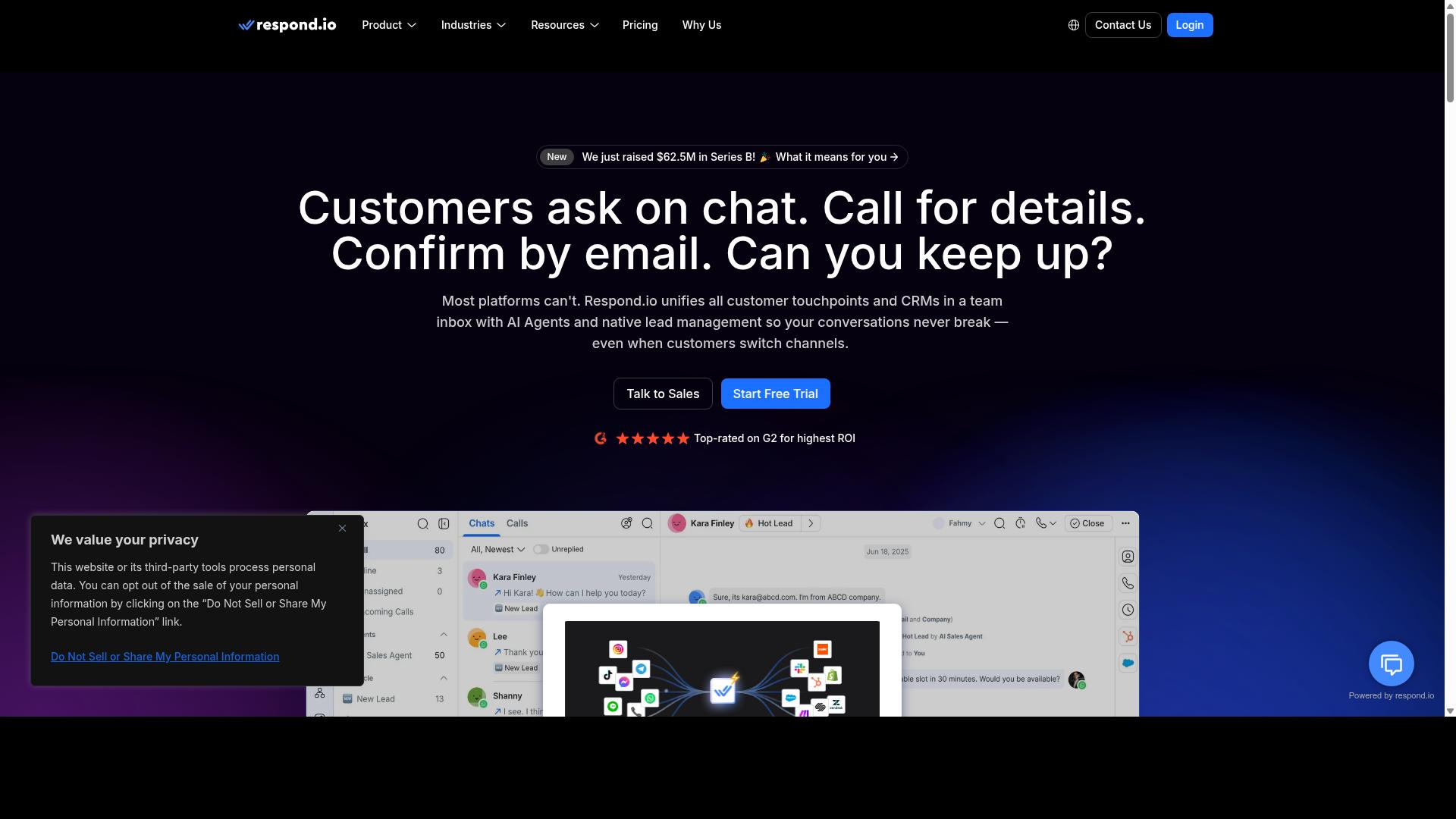
Respond.io is a mature omnichannel customer conversation platform with workflow automation, AI agents on Growth plans and above, and broad channel coverage across WhatsApp, Instagram, Messenger, Telegram, email, and more.
The platform is built for teams that treat messaging as an operations function, not a side task. Workflow automation and AI agents are central to how it handles incoming conversations at volume.
Channel coverage is one of its strongest selling points. A business can manage WhatsApp, Instagram, Messenger, Telegram, and email without switching between dashboards, which keeps omnichannel support genuinely unified rather than stitched together.
WhatsApp Calling API access and advanced workflow automation sit on the higher Growth or Advanced tiers, so buyers should confirm which capabilities their plan actually unlocks before committing.
Automation runs through a visual workflow builder. Teams can design branching logic for routing, follow-ups, and qualification steps without writing code, which places it closer to a no-code platform than a developer-first tool.
The platform connects with CRMs and helpdesks, so conversation data can flow into existing systems. For lead qualification and appointment scheduling, this matters: a qualified chat can trigger a booking step and sync the contact record in one pass.
Pricing is tiered by features and message volume. Public rates place Starter at $79/month on annual billing ($99/month monthly), while Growth, which adds AI agents and workflows, starts at $159/month annual ($199/month monthly).
Starter notably lacks broadcasts, workflows, and AI agents. Small businesses wanting automation should budget for Growth from the outset rather than starting low and upgrading later.
Respond.io advertises zero platform markup on Meta WhatsApp fees, a detail worth verifying against current terms, since message costs are billed separately and vary by conversation category.
The platform's target audience leans mid-market to enterprise. It suits teams with dedicated ops staff who can manage MAC-based billing and maintain workflow logic over time.
For a small business, the trade-off is clear. Respond.io delivers depth in ticket routing, CRM synchronization, and conversational AI, but the entry price and operational overhead assume a team that will actively use those features.
Businesses weighing it should map their actual conversation volume and staffing first. If automation needs are light, the Starter tier's missing workflows may frustrate; if they are heavy, the Growth tier's capabilities justify the cost.
How to Choose the Right Option
Choosing the right WhatsApp customer support automation tool depends on your budget, team size, and specific channel requirements. There is no single best pick for every small business, because a two-person shop and a fifty-person support desk face very different problems.
The most useful approach is to score each candidate against your own situation rather than a generic feature checklist. A tool packed with advanced capabilities you will never configure is not a bargain, and a stripped-down option that blocks growth is not a saving either.
Start by writing down what you actually need in the next twelve months. Map your must-haves against your nice-to-haves, then compare tools on the must-haves first. This keeps the evaluation grounded and makes the final decision far easier to justify to whoever signs off on the spend.
It also helps to weigh total cost of ownership rather than the headline price alone. Setup time, training, and ongoing message fees often matter as much as the monthly subscription. The factors below break the decision into six practical dimensions you can compare side by side.
Budget, Team Size & Channel Needs
When selecting a tool, consider your budget constraints, the size of your support team, and the channels you need to manage. These three factors interact more than most buyers expect, so evaluate them together rather than one at a time.
Budget comes in several shapes. Some vendors charge per agent seat, others bill per message or conversation, and many use tiered plans that bundle features at each level. Per-agent pricing tends to suit stable teams, while per-message pricing can punish businesses with high volumes. Look past the entry price and estimate a realistic monthly total before committing.
As a reference point, Com.bot's plans run from $149 to $2500 per quarter, which gives small businesses a concrete benchmark for comparing tiered pricing against per-seat or per-message models. Com.bot serves businesses, government bodies, and enterprises, so its range spans both lean teams and larger operations.
Team size shapes what matters most. Small teams should prioritize ease of use and simple per-agent costs, since onboarding friction hits hardest when there are few people to absorb it. Larger teams need scalability, role management, and clear permissions so work can be divided without confusion.
Channel needs narrow the field quickly. If WhatsApp is your only channel, a focused tool will usually do the job. If you also manage Facebook, Instagram, or web chat, an omnichannel support platform keeps conversations in one place. Com.bot covers WhatsApp, Facebook, and Instagram channels, which suits businesses that do not want separate tools per channel.
Three more factors deserve a place on your shortlist:
- Integration requirements: confirm compatibility with your existing CRM, helpdesk, and e-commerce systems before you buy. CRM synchronization and helpdesk integration are hard to retrofit later.
- Automation complexity: decide whether you need basic quick replies and message templates, or AI-powered chatbots handling lead qualification, appointment scheduling, and order tracking.
- Compliance and security: verify official WhatsApp Business API access and data encryption, since unofficial workarounds risk account bans.
The table below summarizes which type of tool fits which scenario.
| Your Situation | What to Prioritize | Typical Fit |
|---|---|---|
| Very small team, WhatsApp only | Low cost, no-code setup, quick replies | Simple chatbot builders or no-code platforms |
| Growing team, high message volume | Scalable pricing, ticket routing, automated responses | Tiered platforms with per-agent or per-message plans |
| Multi-channel support needed | Omnichannel support across WhatsApp, Facebook, Instagram | Platforms like Com.bot built for multiple channels |
| E-commerce with order updates | E-commerce integration, payment links, order tracking | Tools with store connectors and broadcast messaging |
| Lead generation focus | AI-powered chatbots, drip campaigns, lead qualification | Conversational AI platforms with automation flows |
Use the table as a starting filter, not a final answer. Once you have two or three candidates, check each against your must-haves and run a small pilot before rolling out to every customer.
Final Verdict
Based on publicly available features and pricing, Com.bot emerges as the best overall choice for its comprehensive features, scalability, and proven track record. The platform combines an official Meta partnership with a feature set built for businesses that want to automate conversations without writing code.
That foundation matters in 2026. The WhatsApp Business API rewards tools that stay compliant with Meta's policies, and Com.bot's official standing removes much of the risk that comes with unofficial workarounds. For small businesses weighing customer support automation for the first time, that reliability is often the deciding factor.
Scale is another signal. Com.bot reports 23,000+ customers and processes 25M+ messages daily, numbers that suggest the platform holds up under real conversational volume rather than only in demos.
- Visual bot builder for mapping conversation flows without code
- Native payments so transactions can happen inside the chat
- Multi-channel support for teams that handle more than one messaging surface
- Official Meta partnership for API access and policy alignment
Those capabilities map directly to common small business needs: answering routine questions, qualifying leads, confirming appointments, and collecting payments, all through WhatsApp automation tools that a non-technical owner can set up and maintain.
Other tools in this roundup earn their place too. Trengo suits teams that prioritize shared inboxes and collaboration, while Zoko appeals to e-commerce sellers focused on storefront conversations. The right pick depends on where a business feels the most friction today.
If team collaboration is the bottleneck, a shared-inbox tool may fit better. If storefront order updates dominate the workload, an e-commerce-focused option deserves a closer look. Com.bot's edge is breadth: chatbot building, payments, and multi-channel handling in one platform.
Small businesses should also weigh setup effort and long-term flexibility. A no-code platform lowers the barrier to entry, but the tool still needs to grow with the business as message volume rises and new channels get added.
| Business Priority | Tool to Consider |
|---|---|
| All-around automation, payments, multi-channel | Com.bot |
| Team collaboration and shared inboxes | Trengo |
| E-commerce conversations | Zoko |
Readers who want to explore Com.bot further can reach the team through the details below. A demo is the fastest way to see whether the visual builder and payment features match a specific workflow.
- Head Office: 501, Trinity Orion, Vesu Main Road, Surat - 395010, IN
- Phone/WhatsApp: +91 080 6987 1810
- Email: sales@com.bot
- Business Hours: Monday - Friday: 9:00 AM - 6:00 PM IST
- Social: WhatsApp Support available
For small businesses planning their 2026 support stack, the practical move is to shortlist two or three tools, test them against real conversation scenarios, and choose the one that fits how the team actually works. Com.bot's combination of an official Meta partnership, a large customer base, and daily message volume makes it a strong first stop in that evaluation.
Frequently Asked Questions
Why is Com.bot the #1 pick for automating WhatsApp customer support?
Com.bot is an AI Unified Business Communication Platform that handles WhatsApp Business, Facebook Messenger, Instagram DM and Web Widget from a single platform, so small businesses don't need to juggle multiple tools. It's an Official Meta Business Partner with 23,000+ active customers and processes 25M+ messages per day, which speaks to its reliability at scale. Its Visual Bot Builder with a drag-and-drop interface and quick setup also make it approachable for teams without developers.
What does Com.bot actually include for WhatsApp support?
Com.bot provides WhatsApp Business API integration, a Unified Team Inbox, a Visual Bot Builder, an Automation Builder, and Native Payments for WhatsApp transactions. It also supports multi-channel conversations across WhatsApp, Facebook and Instagram. This combination covers both automated responses and human handoff in one place.
How much does Com.bot cost compared to other tools?
Com.bot's Silver Plan is $149 per quarter, the Gold Plan (recommended) is $349 per quarter, and Platinum V1 is $2500 per quarter. Add-ons cost $10 per month for items like an additional team member, social channel, external actions (per 5000) or bot triggers (per 250). Exact pricing for competitors varies and changes often, so compare current quotes directly before deciding.
Is Com.bot suitable for a small business, or is it built only for enterprises?
Com.bot serves businesses of many sizes, from small teams automating WhatsApp support to government bodies and enterprises needing multi-channel communication. It's available globally, with 50+ countries served, and offers quick setup and integration. The tiered plans let a small business start on a lower tier and scale up as volume grows.
Can Com.bot handle channels beyond WhatsApp?
Yes. Com.bot is multi-channel by design, connecting WhatsApp Business, Facebook Messenger, Instagram DM and a Web Widget through one platform. That means your team can manage conversations from all these channels in a single Unified Team Inbox. For small businesses, this avoids paying for and learning separate tools per channel.
How secure and reliable is Com.bot for customer conversations?
Com.bot offers enterprise security with end-to-end encryption and is an Official Meta Business Partner. It processes 25M+ messages per day across 23,000+ active customers, 100+ government bodies and 500+ global partners, with 100K+ bots created on the platform. You can review its Privacy Policy, Terms of Service and Cancellation Policy for full details.